Designing Interactive Graph Experiences for K–8 Science Learning

Designing Interactive Graph Experiences for K–8 Science Learning

Designing Interactive Graph Experiences for K–8 Science Learning

Designed interactive lesson experiences to support K–8 students explore scientific concepts while supporting classroom instruction and curriculum goals
Role
Product designer
Tools/ Skills
Figma, Figma Make, Codex, Desmos Graphing Calculator
Team
Product Manager, Curriculum Writers, Engineers
Context

Why this problem matters

Science learning often requires students to interpret graphs, identify patterns, and connect evidence to scientific claims. Yet many students encounter these visualizations for the first time while simultaneously learning new scientific concepts. The challenge wasn't simply displaying data—it was designing interactions that helped students explore, manipulate, and reason about scientific information without increasing cognitive load.

As part of Amplify Science's digital curriculum platform, I worked on lesson experiences that transformed static graphs into interactive learning tools that supported inquiry-based learning and classroom discussion.
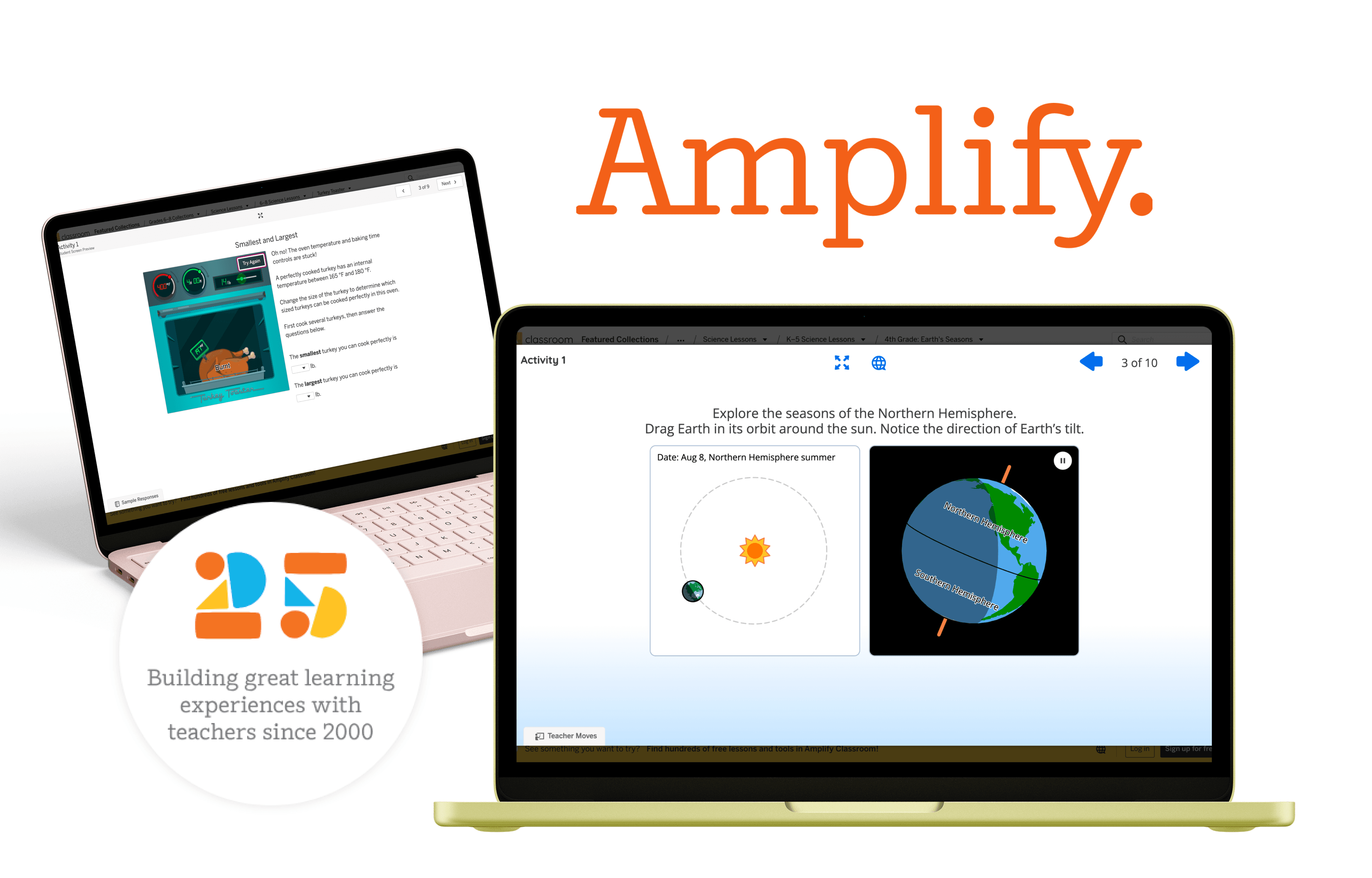
The product work featured in this case study has not yet been publicly released. To respect confidentiality agreements, the visuals shown are publicly available Amplify Science lesson experiences that closely resemble the interaction patterns, educational workflows, and design constraints of the work I contributed to. The design process, decisions, and outcomes described reflect my actual work on the product.
Research

Understanding the Classroom Context

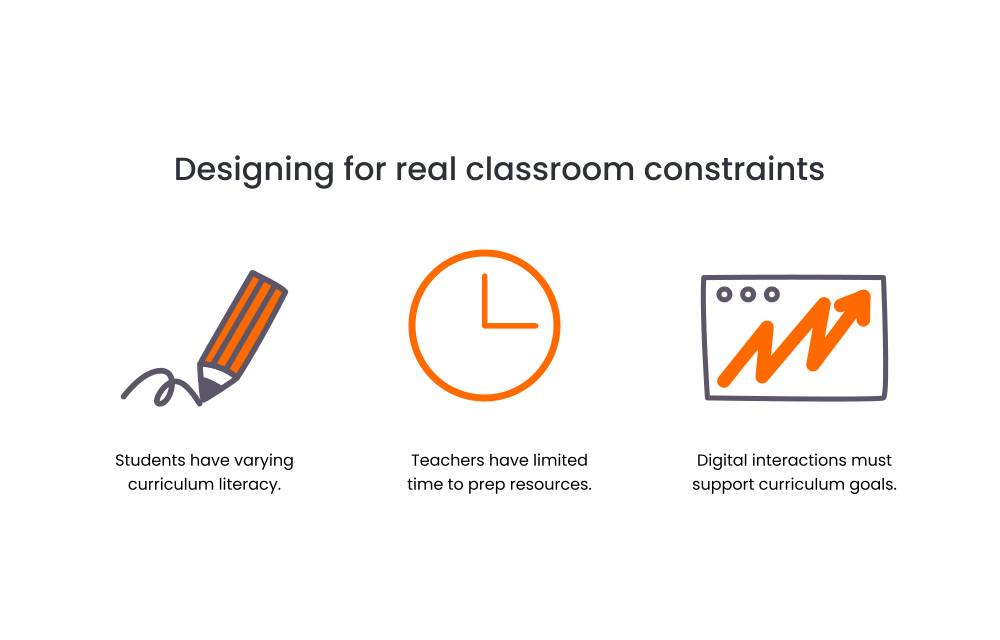
To design effectively for the classroom, I grounded product decisions in three realities: diverse student needs, limited teacher time, and the importance of supporting curriculum objectives.
Design Iteration

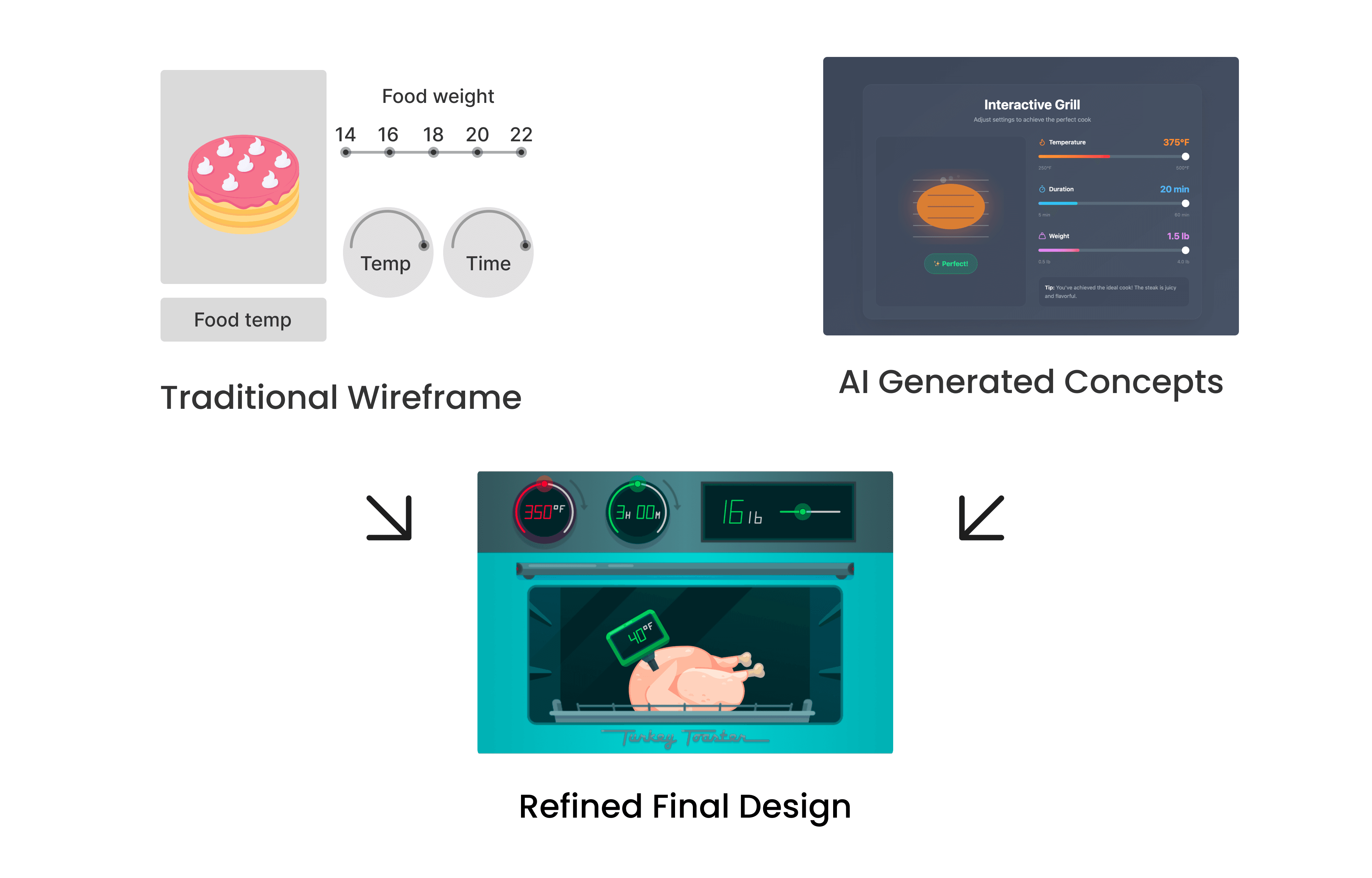
Wireframing with AI

I Leveraged AI-assisted prototyping tools to rapidly explore interaction patterns, test graph behaviors, and evaluate multiple design directions before moving into high-fidelity designs.
Final Solution

1. Reducing cognitive load through progressive interaction

I revealed complexity only when needed, helping students focus on one task at a time rather than navigating multiple controls simultaneously.
  1. Making Interaction manipulation feel exploratory

I transformed graph interactions into a hands-on learning experience, encouraging experimentation and discovery through immediate visual feedback.
  1. Connecting interaction to scientific reasoning

I designed each interaction to encourage student learning while keeping to pedagogical constraints.
Scale

Creating Reusable interaction patterns

I created reusable interaction patterns that support inquiry-based learning and integrate seamlessly into classroom instruction.

Create a free website with Framer, the website builder loved by startups, designers and agencies.